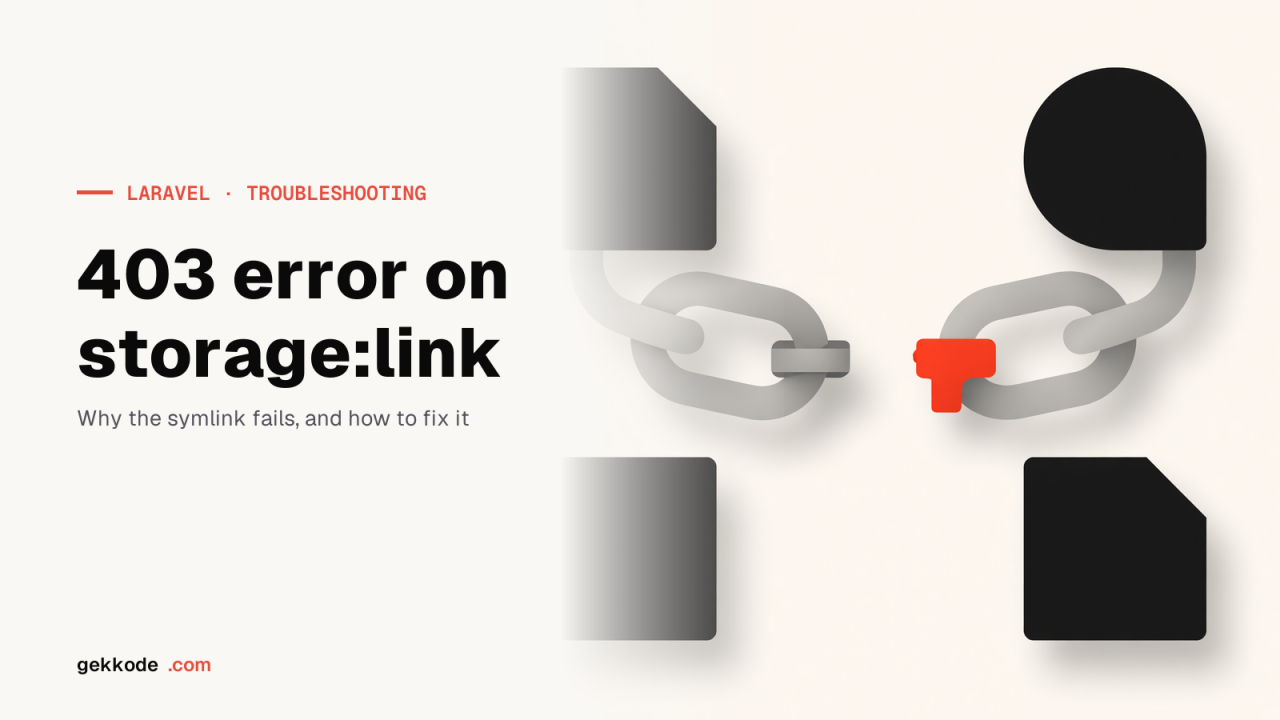
On shared hosting, the link created by php artisan storage:link points to an absolute path the web server does not follow, hence the 403. Recreate it as a relative link: php artisan storage:link --relative, or over SSH from the public folder: ln -s ../storage/app/public storage. If symbolic links are forbidden, serve the files through a Laravel route.
You ran php artisan storage:link, the command reported that the link had been created, and yet every image in storage/app/public returns 403 Forbidden. Locally everything works; the problem shows up on shared hosting, OVH first among them. Here is what the command does, why the server refuses to serve the files, and the fixes in the order you should try them.
What php artisan storage:link does
Laravel keeps user-uploaded files in storage/app/public, outside the web root, for security. To make them reachable it does not copy them: it creates a symbolic link public/storage pointing to storage/app/public. When the browser requests https://exemple.fr/storage/photo.jpg, Apache follows the link and serves storage/app/public/photo.jpg.
php artisan storage:link
# The [public/storage] link has been connected to [storage/app/public].

ls -l public/
# storage -> /home/compte/www/mon-projet/storage/app/public
The detail that matters is on the last line: by default, the link is absolute. It contains the full path of the storage folder as PHP sees it when the command runs.
Why the server answers 403
Three causes, from the most common to the rarest. The message is the same in all three cases; it is the host’s configuration that tells them apart.
Cause 1: an absolute path the web server cannot see
On shared hosting, PHP and Apache do not always work from the same root path. The account is mounted under a path (for example /homez.123/compte/) that PHP wrote into the link, while Apache serves the site from an alias (/home/compte/) or from a sandboxed environment. The link points to a folder Apache cannot reach: it refuses, 403.
The fix is to create a relative link, which depends on no root path at all. Since Laravel 8, the command does it directly:
rm public/storage                      # remove the old absolute link
php artisan storage:link --relative
ls -l public/
# storage -> ../storage/app/public
Without access to Artisan, the same thing over SSH, standing inside the public folder:
cd public
rm -f storage
ln -s ../storage/app/public storage
The target ../storage/app/public is resolved relative to the location of the link, that is public/: it goes up one level, then down into storage/app/public. It stays valid whatever the mount path.
So that future deployments keep this choice, declare the link in the configuration rather than relying on the default value:
'links' => [
    public_path('storage') => storage_path('app/public'),
],
And always call php artisan storage:link --relative in your deployment script, after composer install.
Cause 2: Apache is not allowed to follow symbolic links
Apache only follows a link if the Options directive allows it, with FollowSymLinks or SymLinksIfOwnerMatch. The second value, common on shared hosting, additionally requires the link and its target to belong to the same user. If the option is missing, the request ends in a 403.
The public/.htaccess file shipped with Laravel does not enable FollowSymLinks: it stops at Options -MultiViews -Indexes and relies on the server configuration. Yet mod_rewrite requires the directory to allow following links anyway: if Laravel’s clean URLs work, FollowSymLinks or SymLinksIfOwnerMatch is active, and a 403 that persists then points to the latter, with a link that does not belong to the right user.
<IfModule mod_rewrite.c>
    <IfModule mod_negotiation.c>
        Options -MultiViews -Indexes
    </IfModule>

    RewriteEngine On
    …
</IfModule>
If the server does not follow links, or if you are not sure, add this explicitly at the top of the file:
Options +FollowSymLinksTwo possible outcomes: the 403 disappears, or the whole site turns into a 500 Internal Server Error. In the second case, the host forbids changing Options in a .htaccess (AllowOverride without Options): remove the line and try Options +SymLinksIfOwnerMatch, which is sometimes tolerated. If neither gets through, the solution is the fallback route further down.
Cause 3: insufficient permissions along the folder chain
To serve storage/app/public/photo.jpg, the Apache user must be able to traverse every folder on the path (execute permission) and read the file. A storage folder set to 700, created by another user or by a deployment run as root, is enough to trigger the 403.
chmod 755 storage storage/app storage/app/public
chmod 644 storage/app/public/*.jpg   # or find … -type f -exec chmod 644 {} +
chown -R compte:compte storage        # the same user as the link, for SymLinksIfOwnerMatch
Do not apply 777: it is useless for reading, and dangerous on shared hosting.
The fallback route: serving the files without a symbolic link
Some hosts disable the PHP symlink() function (it is listed in disable_functions) and offer no SSH: the link cannot be created. Laravel can then serve the files itself, through a route that reads the public disk.
use Illuminate\Support\Facades\Route;
use Illuminate\Support\Facades\Storage;

Route::get('/storage/{path}', function (string $path) {
    abort_unless(Storage::disk('public')->exists($path), 404);

    return Storage::disk('public')->response($path);
})->where('path', '.*');
response() returns the file with the right MIME type and cache headers. The URL is still /storage/photo.jpg, so Storage::url() and all existing templates keep working. The cost: every image goes through PHP instead of being served directly by Apache. On a small site that is invisible; on a high-traffic site, prefer the symbolic link or external storage (S3 or equivalent).
Checking that everything is in place
- The link exists and points to the right place:
ls -l public/must showstorage -> ../storage/app/public. A red link in a colour-coded terminal is a broken link. - The file really is on the public disk:
php artisan tinker, thenStorage::disk('public')->exists('photo.jpg'). If it returnsfalse, the file was saved to another disk (localwrites tostorage/app, not tostorage/app/public). - The generated URL is correct:
Storage::url('photo.jpg')must give/storage/photo.jpg, and the full URL depends onAPP_URLin.env. - The server answers 200:
curl -I https://exemple.fr/storage/photo.jpg. A 403 after the three previous checks points to cause 2.
Why it all worked locally
On your machine, PHP and the server see the same file system with the same user, and php artisan serve does not go through Apache: the absolute link works, FollowSymLinks never comes into play and the permissions are those of your session. Nothing flags the problem before the first deployment. Two habits avoid it: always --relative, and a deployment script that recreates the link on every release.
For a server you administer yourself, configuring Apache for Laravel is covered in Serving a Laravel application with Apache on Debian 13, a chapter of the series Installing Laravel 13 on a Debian 13 server.
Common errors
ln -s ../storage/app/public storage must be run from public/. From the project root, the relative target leads nowhere and Apache returns 404 or 403.storage:link refuses to overwrite an existing link (“The [public/storage] link already exists”). Delete it first (rm public/storage), or use --force.Storage::url('photo.jpg') builds the URL from APP_URL in .env. A value left at http://localhost produces broken links in production even though the symbolic link is fine.