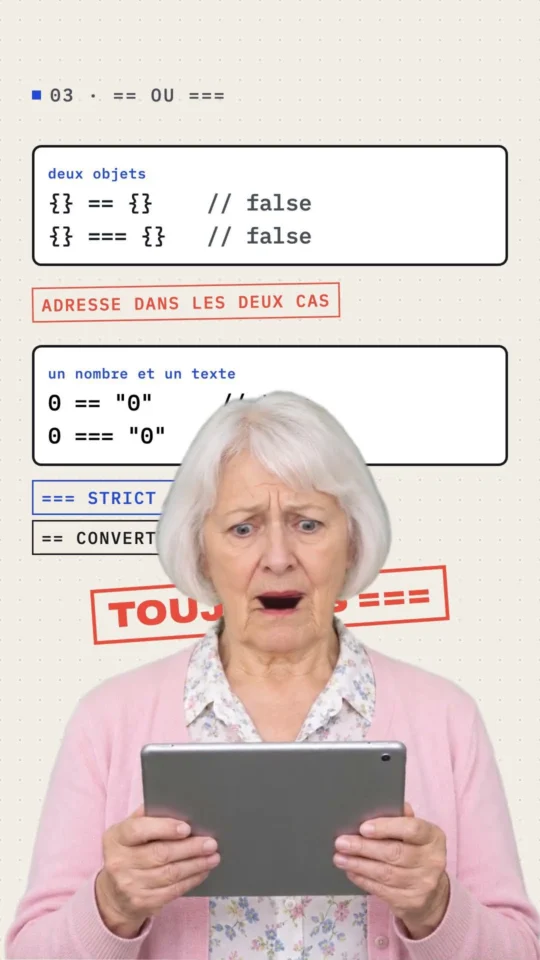
Why {} === {} Is False in JavaScript
Watch the ShortThe Gekkode YouTube channel publishes more videos about AI and code.
Subscribe to support the channelHere is a snippet to check whether an object is empty or not. On recent browsers you can stay with vanilla JS and use the newer “Object.keys”. For older browsers, install the Lodash library and use its “isEmpty” method.
const empty = {};

/* -------------------------
  Vanilla JS for recent browsers
----------------------------*/
Object.keys(empty).length === 0 && empty.constructor === Object
// true

/* -------------------------
  Lodash for older browsers
----------------------------*/
_.isEmpty(empty)
// true
What is vanilla JavaScript?
Vanilla JavaScript is not a new framework or a new library. It is simply plain JavaScript, written without a library such as Lodash or jQuery.
A. Checking for an empty object on newer browsers
We can use the built-in Object.keys function to check whether an object is empty.
const empty = {};

Object.keys(empty).length === 0 && empty.constructor === Object;
Why do we need an extra constructor check?
You may be wondering why we bother with empty.constructor. It is there to cover empty object instances. JavaScript has 9 built-in constructors.
new Object();

new String();
new Number();
new Boolean();
new Array();
new RegExp();
new Function();
new Date();
So we can create an empty object with new Object(). A word of warning: you should NEVER create an object through the constructor. It is considered bad practice, see the Airbnb style guide and ESLint.
const obj = new Object();

Object.keys(obj).length === 0; // true
So Object.keys on its own returns true when the object is empty ✅. But what happens once we create an object instance with one of those other constructors?
function badEmptyCheck(value) {
  return Object.keys(value).length === 0;
}

badEmptyCheck(new String());    // true
badEmptyCheck(new Number());    // true
badEmptyCheck(new Boolean());   // true
badEmptyCheck(new Array());     // true
badEmptyCheck(new RegExp());    // true
badEmptyCheck(new Function());  // true
badEmptyCheck(new Date());      // true
Oh dear, a false positive…
Fixing the false positive with constructor
Let us fix that by adding a constructor check.
function goodEmptyCheck(value) {
  Object.keys(value).length === 0
    && value.constructor === Object; // constructor
}

goodEmptyCheck(new String());   // false ✅
goodEmptyCheck(new Number());   // false ✅
goodEmptyCheck(new Boolean());  // false ✅
goodEmptyCheck(new Array());    // false ✅
goodEmptyCheck(new RegExp());   // false ✅
goodEmptyCheck(new Function()); // false ✅
goodEmptyCheck(new Date());     // false ✅
Much better. The problem is gone.
Testing the empty check against other values
Right, let us run our method on other values and see what comes back.
function isEmptyObject(value) {
  return Object.keys(value).length === 0 && value.constructor === Object;
}
So far so good: it returns false for anything that is not an object.
isEmptyObject(100)  // false
isEmptyObject(true) // false
isEmptyObject([])   // false
But watch out, these values will throw an error.
goodEmptyCheck(undefined);
goodEmptyCheck(null);
Improving the empty check for null and undefined
If you would rather it did not throw a TypeError, add one more check:
let value;

value // null and undefined check
 && Object.keys(value).length === 0 && value.constructor === Object;

value = null;       // null
value = undefined;  // undefined
Perfect, nothing is thrown any more
B. Checking for an empty object on older browsers
What if you have to support older browsers? We have two options here: stay with a vanilla version, or bring in a library.
Checking for an empty object with JavaScript
The classic approach is not as concise, but it does the job
function isObjectEmpty(value) {
  return (
    Object.prototype.toString.call(value) === '[object Object]' &&
    JSON.stringify(value) === '{}'
  );
}
It returns true for objects.
isObjectEmpty({});           // true ✅
isObjectEmpty(new Object()); // true ✅
Excellent, it does not get caught out by our constructor objects.
isObjectEmpty(new String());   // false ✅
isObjectEmpty(new Number());   // false ✅
isObjectEmpty(new Boolean());  // false ✅
isObjectEmpty(new Array());    // false ✅
isObjectEmpty(new RegExp());   // false ✅
isObjectEmpty(new Function()); // false ✅
isObjectEmpty(new Date());     // false ✅
And we are covered for null and undefined. It returns false instead of throwing a TypeError.
isObjectEmpty(null);      // false
isObjectEmpty(undefined); // false
Checking for an empty object with external libraries
There are plenty of external libraries you can use to check for empty objects, and most of them ship with solid support for older browsers.
Lodash
_.isEmpty({});
// true
Underscore
_.isEmpty({});
// true
jQuery
jQuery.isEmptyObject({});
// true
Vanilla vs libraries
The answer is: it depends! I am a big fan of keeping things simple whenever I can, because I do not enjoy the overhead of an external library. And on small applications I am far too lazy to set one up. But if your application already pulls in an external library, go ahead and use it. You know your application better than anyone, so pick whatever suits your situation best.