What is the Eloquent ORM?
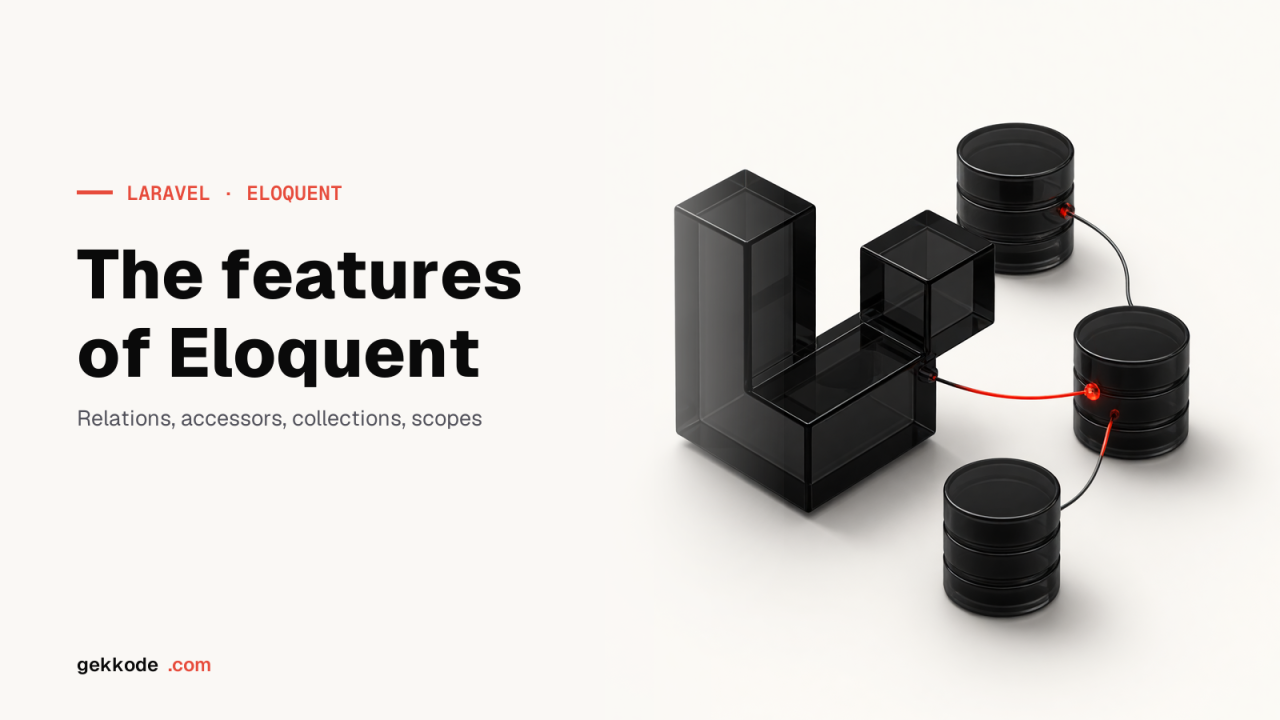
Laravel’s Eloquent ORM ships with the framework to provide an easy, hassle-free way of working with a database. Some of the features that made its name are soft deletes, timestamps, the Active Record implementation, handling several databases, eager loading, model observers, model events and plenty more. Eloquent relationships are nothing more than methods on your Eloquent model classes. Defined as methods, relationships become powerful query builders: you can chain calls on them and get serious querying power.
How does the Eloquent ORM work?
Eloquent ORM is known for its Active Record implementation for working with databases. Active Record is an architectural pattern in which every model in the MVC architecture maps to a table in the database. With Eloquent you can easily create related data in your database and work with it through an object-oriented model. Writing SQL queries by hand is tedious and eats up a lot of time. Laravel Eloquent leaves you free to run the usual database operations without long SQL queries. Models make inserting, updating, deleting and syncing several databases very easy. All you have to do is define your tables and the relationships between them, and the job is done.
Getting started with Eloquent
Laravel comes with a built-in command line interface called Artisan Console. Powered by the Symfony console component, it gives you an easy way to work from the command line while you build your application.
Before going any further, set up the database connection in the config/database.php file.
Before you start using an Eloquent model, check whether Laravel is installed. If it is not, you can download it from getcomposer.org
To see the list of commands available in Artisan, run the following:
php artisan listEvery command then appears on your screen with a short description. If you need help with one of them, type the command with “help” in front of it. For example:
php artisan help migrateCreating Eloquent models
Before you do anything else, you need a model for your database table. Models help with seeding, factories and the rest. The model is what talks to the database: it lets you query your tables and seed them with data. Models are usually stored in App\Models purely for the sake of well-documented code. We prefer that convention too, but it is entirely your call, the only requirement is that the class is autoloaded according to your composer.json file. Every Eloquent model extends the Illuminate\Database\Eloquent\Model class. The basic command for creating a model is the `make:model` Artisan command:
php artisan make: model StudentThe basic syntax for defining a model is:
class User extends Model {}The database migration can be generated along with the model, simply by adding `-m` or `-migration` to the previous command.
php artisan make:model Student--migration
php artisan make:model Flight -m
Seeders, factories, controllers and various other classes can be generated by passing the right options to the `make:model` Artisan command. Here are a few examples:
php artisan make:model Flight --factory
php artisan make:model Flight -f

php artisan make:model Flight --seed
php artisan make:model Flight -s

php artisan make:model Flight --controller
php artisan make:model Flight -c
These options can also be combined to create several classes at once.
php artisan make:model Flight -mfscA few basic model conventions to keep in mind:
- Table name: by convention, table names are lower case and plural in any database. For example, if the model is called Student then the table should be called students. If the model name contains several words, separate them with underscores.
- Primary key: Eloquent assumes the primary key is the id attribute. You can override that with `$primaryKey`.
- Timestamps: by default `created_at` and `updated_at` are handled automatically by Eloquent. If you would rather manage them yourself, set `$timestamp` to false. To customise the date and time format, use the `$dateFormat` property on your model.
Updating and deleting records
Updating
To update a model, retrieve it, change the attribute you want and call the save method. The `updated_at` column is updated automatically, so there is no need to touch it by hand.
$student = Student::find(1);

$student->email = ‘xyz@example.com';

$student>save();
Mass updates can also be run on every model matching a given query.
Deleting an existing model
To delete a model, simply call the delete method:
$student = Student::find(1);

$student>delete();
Deleting by key:
Student::destroy(1);

Student::destroy([1, 2, 3]);

Student::destroy(1, 2, 3);
You can also delete on the basis of a query.
$affectedRows = Student::where('votes', '>', 100)->delete();Related models
Any database can hold related models. When two or more models depend on each other for their values, they are called related models. For example, to add a new comment to a post, instead of setting post_id by hand, you can save the comment straight from its parent model
$comment = new Comment(['message' => 'A new comment.']);

$post = Post::find(1);

$comment = $post->comments()->save($comment);
Associating models
Models can also be updated with the associate method, which sets a foreign key on the model. You can associate models across several relationships too.
Model events
Whenever you want to hook into the stages of a model’s life cycle, such as saving, updating or deleting, an event is fired: that is a model event. The available events are saving, saved, deleting, deleted, updating, updated, restoring and restored. For example, inserting a new record fires the creating/created event, while a record that already exists fires the updating/updated event.
Cancelling a save from an event
If the event returns false, the action is cancelled. Any event will do: deleting, updating, creating, and so on.
Student::creating(function($student)
{
    if ( ! $student>isValid()) return false;
});
How to register event listeners
As in any language, an event needs a service provider before it can be registered, and listeners are no different. Laravel ships with EventServiceProvider which is the place to register your model event bindings.
For example:
public function boot(DispatcherContract $events)
{
    parent::boot($events);

Student::creating(function($student)
    {
        //
    });
}
Model observers
Model observers help you handle model events. An observer class can hold one method per model event.
class StudentObserver {

public function saving($model)
    {
        //
    }

public function saved($model)
    {
        //
    }

}
Another way to register an observer is with the observe method
User::observe(new UserObserver);Generating model URLs
Model URLs give you the URL of a single record by passing the model to the route or action helper. When a model is passed to route or action, its primary key is inserted into the URI.
Route::get('student/{student}', 'StudentController@show');

action('StudentController@show', [$student]);
Here the student id is inserted into the URL. To use another property in the generated URL, override the getRouteKey method on your model.
public function getRouteKey()
{
    return $this->slug;
}
More on Laravel Eloquent features
Converting to arrays and JSON
When you build an API, the response is almost always JSON, which means turning your models and their relationships into JSON or arrays. Laravel Eloquent handles that too. To convert a model and its relationships into an array, use the toArray() method.
$student = Student::with('roles')->first();

return $student->toArray();
To convert a whole collection of models into an array, the following methods can be used:
return Student::find(1)->toJson();Now let us see how to return a model from a route. Whenever a model is cast to a string it is converted to JSON, so you can return Eloquent objects directly from your routes.
Route::get('student', function()
{
    return Student::all();
});
Some protected values such as `personal_id` or the password have to be hidden. To do that, add `$hidden` to your model,
Attribute casting
If you want to change the data type of an attribute, one option is to write a mutator for each of them, which takes time and invites bugs. The other option is to cast the attribute in question: add it to the casts property of your model. The other accepted cast types are integer, float, double, real, object, string, array.
Here is an example.
protected $casts = [
    'is_student' => 'boolean',
];
In this example, even though is_student is stored with a different data type, reading it always gives you a boolean.
The array cast is very handy when you work with a database column holding serialised JSON. Serialised JSON simply means an object encoded as a string. If one of your columns holds serialised JSON, the array cast converts it into a PHP array automatically as soon as you read it from your Eloquent model.
protected $casts = [
    'options' => 'array',
];
Date mutators
Carbon is an international extension of PHP’s DateTime. Eloquent converts created_at and updated_at into Carbon instances, which extend PHP’s DateTime class and add several useful methods. Customising this is easy if you do not want the automatic mutation: simply override the getDates method on your class. To disable date mutation entirely, return an empty array from the `getDates` method. Here is an example:
public function getDates()
{
    return ['created_at'];
}
When a column is treated as a date, you have four options for its value: a UNIX timestamp, a date string (Y-m-d), a date-time string, or a DateTime/Carbon instance.
Accessors and mutators
Just like getting and setting values in any language, accessors and mutators let you format Eloquent attributes before they are read from or written to a model instance. The difference between the two is that accessors are used to read data, while mutators are responsible for changing it.
To define an accessor, declare `getFooAttribute` on your model, the method name has to be in camel case, whether or not the column name is lower case.
class User extends Model {

public function getFirstNameAttribute($value)
    {
        return ucfirst($value);
    }

}
A mutator is defined the same way: use `setFooAttribute` and yes, camel case applies here too.
class User extends Model {

public function setFirstNameAttribute($value)
    {
        $this->attributes['first_name'] = strtolower($value);
    }

}
Soft deletes
A soft delete does not remove the row from the database, it writes a separate timestamp. A `deleted_at` column is filled in on the record. You can soft delete from your model by applying the SoftDeletes trait to it.
use Illuminate\Database\Eloquent\SoftDeletes;

class User extends Model {

use SoftDeletes;

protected $dates = ['deleted_at'];

}
softDeletes() can be used to add the deleted_at column in the migration. A migration is nothing more than managing your database in PHP rather than in SQL.
$table->softDeletes();In some cases you will want soft-deleted rows to appear in the results of a query. For that, use withTrashed() in the query.
To show only the soft-deleted models in the results, use the onlyTrashed() method.
$student = Student::onlyTrashed()->where('account_id', 1)->get();After all those operations, if you want your soft-deleted models back in active use, call the restore method.
$student->restore();restore() can also be used directly in the query.
Student::withTrashed()->where('account_id', 1)->restore();Now, after a soft delete, if you want to remove the model from your database for good, use the forceDelete() method
$student->posts()->forceDelete();To check whether a model has been deleted or not, you can use the trashed() method.
if ($student->trashed())
{
    //Todo
}
Conclusion
Laravel is one of the best-known PHP frameworks, and Laravel Eloquent gives you a very easy way of talking to your databases. This article has covered some of the important features of Eloquent. There are many more, and you can read about them here. Follow the link and discover everything Laravel Eloquent can do.