Vue.js is a popular JavaScript framework for building interactive web applications. One of its most powerful features is vue js emit, which lets a component send events up to its parent. This detailed guide walks you through using vue js emit in your Vue.js code.
What is Vue js emit?
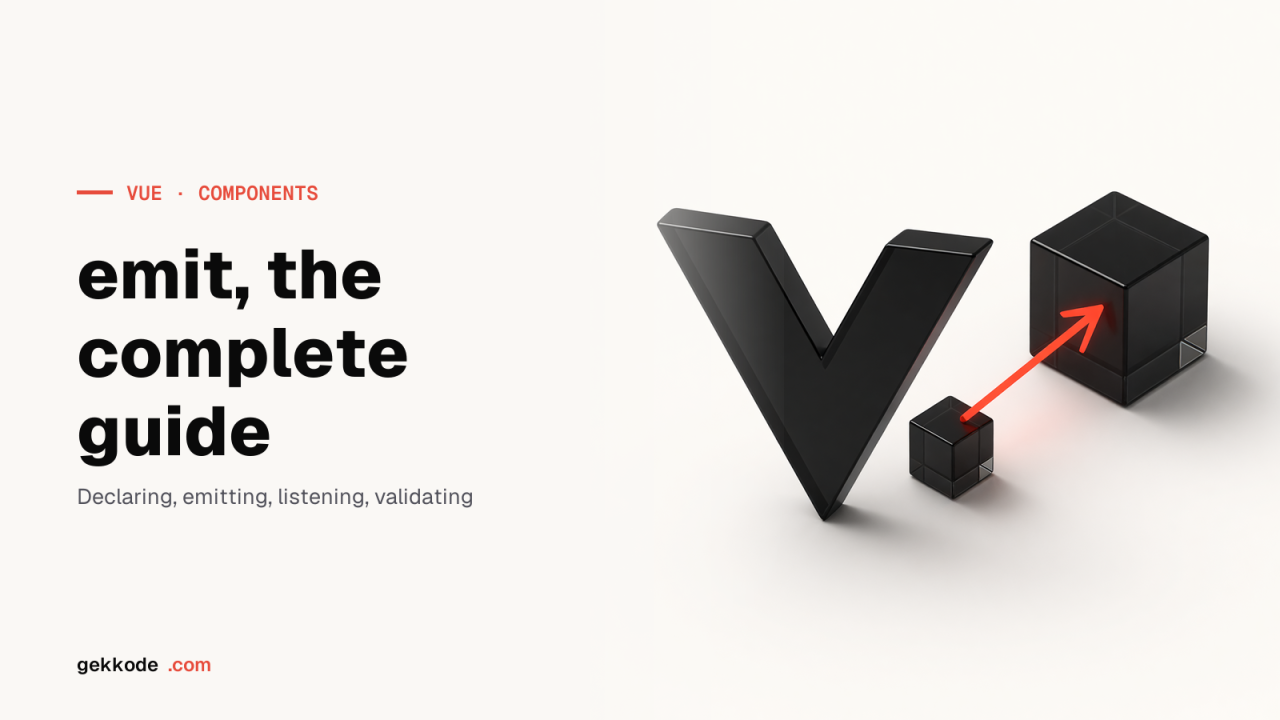
$emit is how Vue.js components talk to each other. It lets you send events from the child up to the parent, which means you can trigger an action in a parent component from a child component.
Why use it?
emit earns its place whenever you need to push information or events from a child component back up to the parent. Say you have a form in a child component and you want to send the form data to the parent for processing: emit is the way to do it.
How do you use Vue js emit?
Using emit is straightforward. First, declare an event in your child component with the $emit() method. Here is an example:
this.$emit('eventName', data)eventName is the name of the event and data is the payload you want to send along with it.
Then you listen for that event in the parent component with the v-on directive:
<ChildComponent v-on:eventName="eventHandler"/>eventHandler is the method called when the event fires.
A complete $emit example
Here is a full example showing how to use emit in your Vue.js code:
<template>
  <div>
    <ChildComponent @eventName="eventHandler"/>
  </div>
</template>

<script>
import ChildComponent from './ChildComponent.vue'

export default {
  components: {
    ChildComponent
  },
  methods: {
    eventHandler (data) {
      console.log(data)
    }
  }
}
</script>

// ChildComponent.vue
<template>
  <button @click="sendData">Envoyer les données</button>
</template>

<script>
export default {
    methods: {
        sendData () {
            this.$emit('eventName', 'Données envoyées depuis le composant enfant')
        }
    }
}
</script>
In this code we have a parent component that includes a child component, `ChildComponent`. When you click the button in the child component, the `eventName` event fires with the data `‘Données envoyées depuis le composant enfant‘`. The parent component listens for that event with the `@eventName` directive and calls the `eventHandler` method when the event fires.
Conclusion
To sum up, `emit` is a powerful Vue.js feature that lets you push events from a child component up to a parent one. It is easy to use and can be a valuable tool for communication between the components of your application. With this complete guide, you should be able to use `emit` with confidence in your Vue.js code.