
Une barre de progression sans JavaScript
Watch the ShortThe Gekkode YouTube channel publishes more videos about AI and code.
Subscribe to support the channelThe progress bar (css progress bar) is an important element on the web: it can show a download, measure a skill level, and much else. To build one, HTML and CSS are enough. To make that progress bar react to real events, you will need JavaScript, which is not the subject of this article, though I may well write a follow-up covering it.
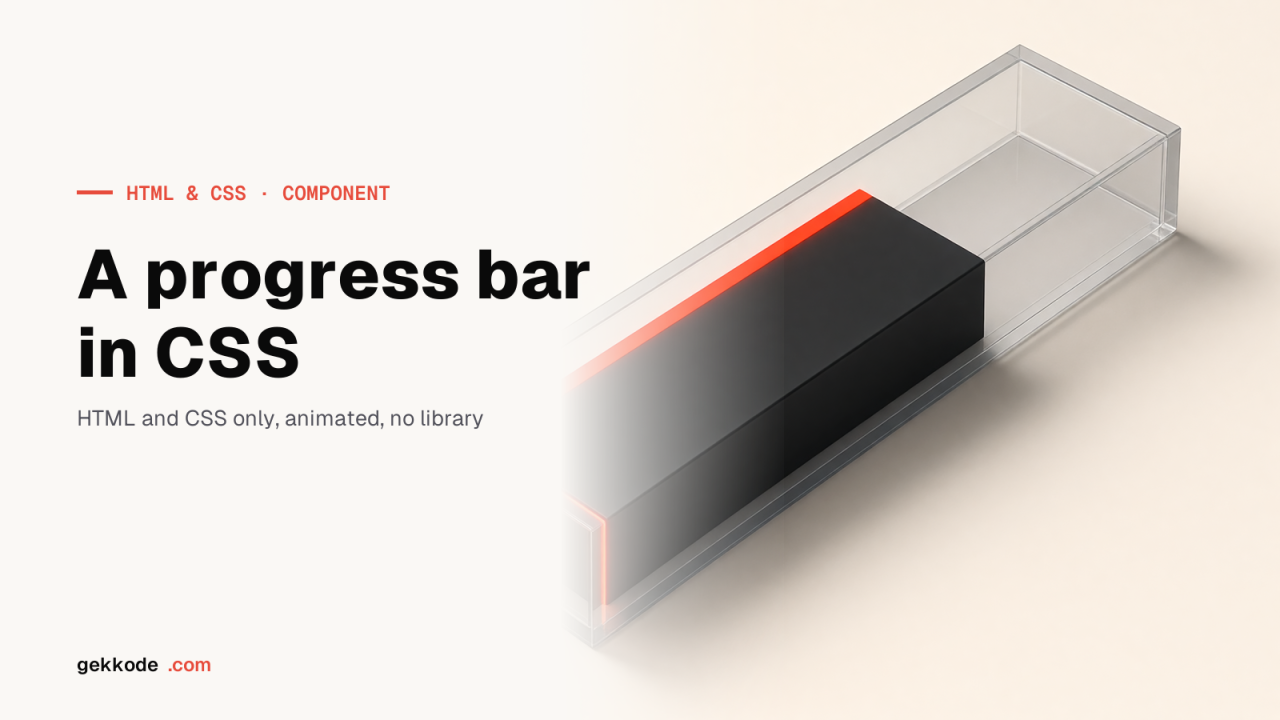
This article shows how to build progress bars with HTML and CSS. A progress bar is made of two HTML “div” elements, the div that wraps the bar (the wrapper) and the progress div itself (the progressbar), as the examples below show.
Building a CSS progress bar
html progress bar
<h1 class="text-center">Téléchargement</h1>
 <div class="container">
     <p>video.mp4</p>
     <div class="progressbar-wrapper">
      <div title="downloaded" class="progressbar mp4">100%</div>
     </div>

<p>musique.mp3</p>
     <div class="progressbar-wrapper">
      <div title="downloading" class="progressbar mp3">60%</div>
     </div>
</div>
With CSS we are going to style both divs through the aria-label attribute. The length of the progress is set as a width by the mp4 and mp3 classes.
css progress bar
:root {
  --success: #00b894;
  --progress: #e17055;
}

.progressbar-wrapper {
  background-color: #dfe6e9;
  color: white;
  border-radius: 15px;
  width: 100%;
}

.progressbar {
  background-color: var(--progress);
  color: white;
  padding: 1rem;
  text-align: right;
  font-size: 20px;
  border-radius: 15px;
}

.progressbar[title="downloading"] {
   background-color: var(--progress);
}

.progressbar[title="downloaded"] {
   background-color: var(--success);
}

.mp4 {
  width: 100%;
}

.mp3 {
  width: 60%;
}
Why use title?
title is of no use to a large part of the population, but it can help someone with a disability: those users may expect a tooltip, for instance. On that front, the title attribute can be used alongside aria-label for better support in browsers and screen readers. And we kill two birds with one stone by using CSS to highlight a progress bar that has finished.
Someone using a screen magnifier or living with a visual impairment can then get at the state of the progress bar through the tooltip or through a voice assistant.
The result of our CSS progress bar
Here we combine the two sections above to get our progress bar built from CSS and HTML alone, you will find the result on my CodePen below:
See the Pen
Untitled by Damien Flandrin (@dam62500)
on CodePen.dark